Feature Deep Dive
Detailed Analytics
Every test call PNM places generates data — call result, duration, response time, failure reason, and timestamp. Detailed Analytics aggregates this data into meaningful visualizations and reports that reveal the true health and performance of your phone operations over time.
From real-time status dashboards to historical trend analysis, PNM analytics give you the visibility to identify problems before they escalate, prove SLA compliance to clients and management, and make data-driven decisions about your phone infrastructure.
- No credit card required
- Full feature access
- Cancel anytime
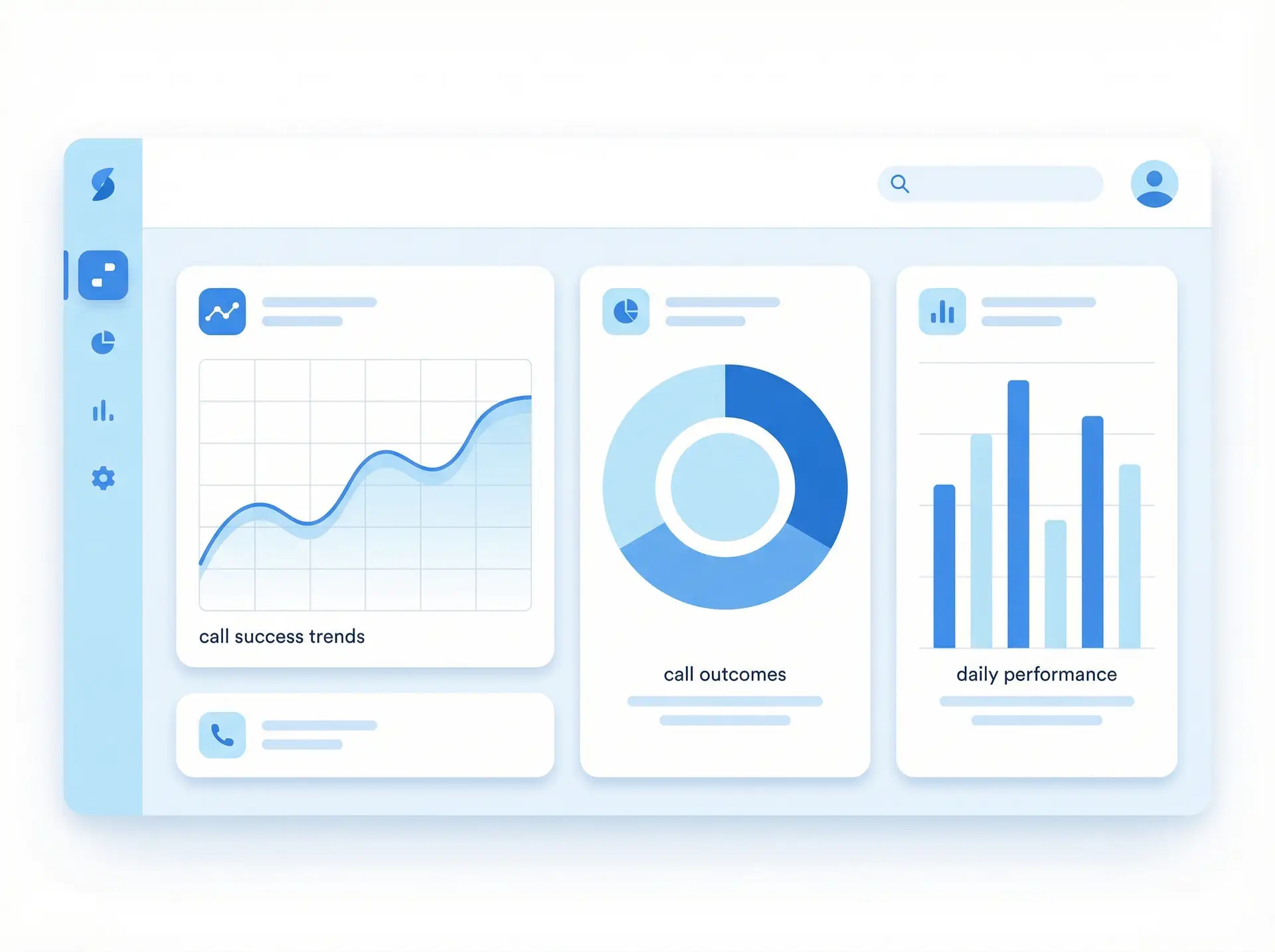
Turn Call Data into Actionable Insights
What are Detailed Analytics?
- Real-time dashboard showing current status of all monitored numbers
- Historical uptime charts with configurable time ranges
- Call success rate trends by number, group, or time period
- Response time performance charts and SLA compliance tracking
- Failure frequency analysis and root cause categorization
- Custom report builder with flexible filtering and grouping
- Scheduled report delivery via email
- CSV and PDF export for external analysis and sharing

Everything You Need
Real-Time Dashboard
Uptime Trend Analysis
SLA Compliance Reports
Response Time Analytics
Call Outcome Breakdown
Custom Filtering & Grouping
Scheduled Report Delivery
Data Export
Simple Setup
How It Works
Data Is Collected
Every test call PNM places generates a data record with result, timing, and metadata that is stored in your account.
Data Is Aggregated
PNM aggregates call data into time-series metrics, uptime calculations, and performance summaries automatically.
Visualize & Explore
Use the analytics dashboard to explore your data with interactive charts, filters, and drill-down views.
Report & Share
Generate custom reports, schedule automated delivery, and export data for sharing with stakeholders.
Why Teams Choose This Feature
- Replace manual spreadsheet tracking with automated, accurate performance data
- Prove SLA compliance with objective, timestamped call records
- Identify failure patterns and root causes to prevent recurring outages
- Make data-driven staffing and infrastructure investment decisions
- Reduce time spent on performance reporting with automated scheduled reports
- Share performance data with clients and stakeholders in professional report formats
- Benchmark performance across locations, time periods, and system changes
Ready to get started?
Join thousands of businesses that rely on Phone Number Monitoring to keep their phone lines performing at their best.
Real-World Applications
Who Uses This Feature
Operations Teams
Call Center Management
IT & Network Teams
Client-Facing Service Providers
Compliance & Audit Teams
Executive Leadership
Frequently Asked Questions
How long is monitoring data retained?
Can I create custom reports?
Can I export data to my own analytics tools?
Can reports be automatically emailed to my team?
Does the dashboard show real-time data?
Start Monitoring Today — Free Trial
No credit card required. Set up in minutes. Experience the full power of Detailed Analytics with a free trial account.
No credit card required • Full access to all features • 30-day trial