Skip to content
Phone Number Monitoring

Feature Deep Dive

Response Time Measurement

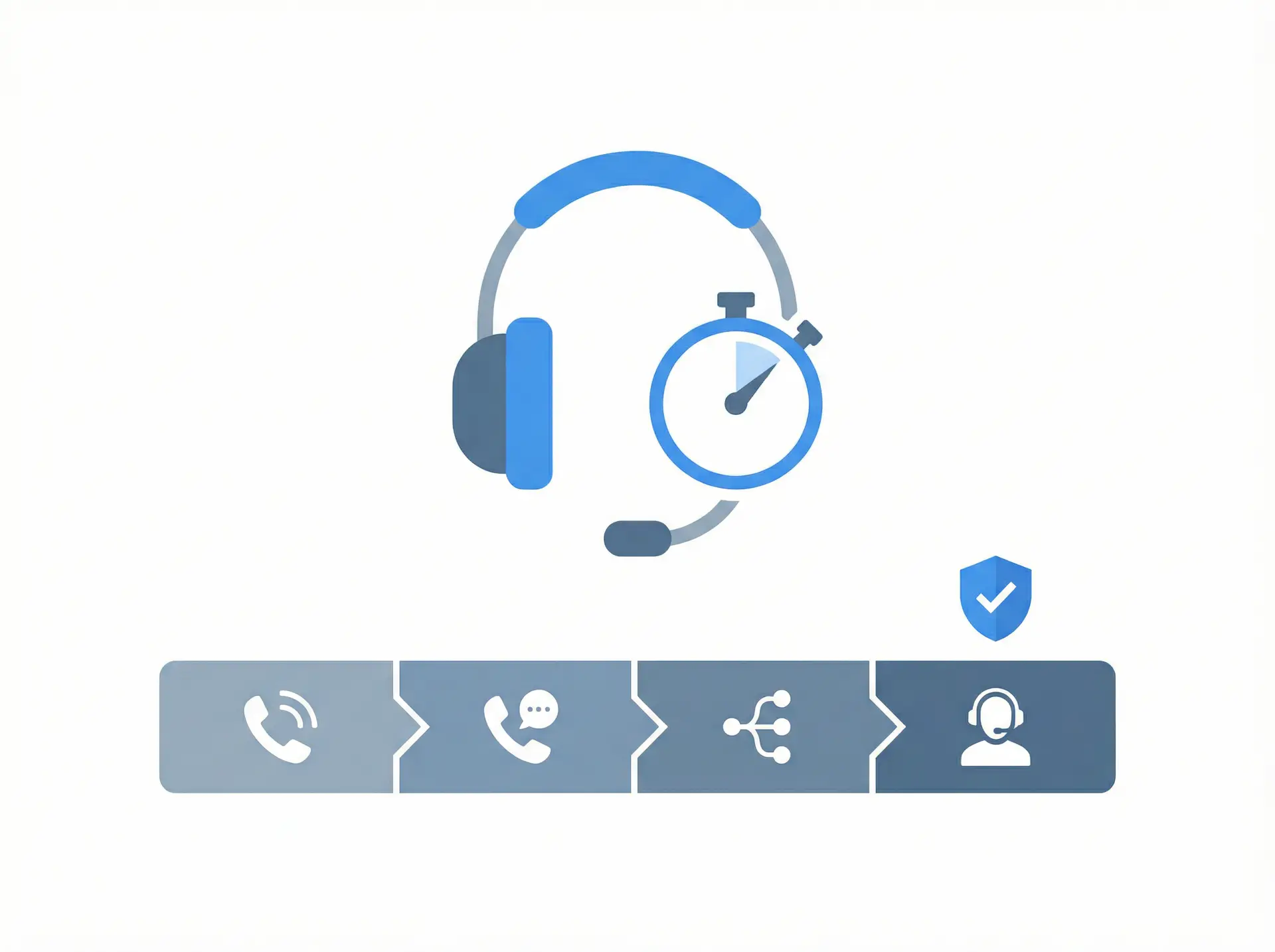
Response Time Measurement (RTM) is an advanced monitoring mode that tracks the time taken at every stage of a call — from the moment the call is placed to the final resolution. PNM simulates a real caller navigating your IVR system, responding to prompts with pre-recorded audio or DTMF tones, and measuring how long each step takes.

RTM supports both audio responses (saying ‘yes’, ‘one’, ‘billing’) and digital responses (pressing DTMF digits). At the end of the call chain, a human agent or automated system enters a response code to confirm the call was completed successfully. This gives you an end-to-end picture of your call center’s actual performance.

  • No credit card required
  • Full feature access
  • Cancel anytime
Response Time Measurement illustration
±0.1s PrecisionHighly accurate timing with minimal delay
100% CoverageEnd-to-end call chain monitoring
Real-Time SLA MonitoringTrack service performance as it happens
Audio & DTMF SupportHandle both voice and keypad responses

Test Every Path, Avoid Every Failure

What is Response Time Measurement?

  • End-to-end call chain timing from dial to resolution
  • Audio response support — plays pre-recorded audio files at each step
  • DTMF digital response support — sends keypad tones
  • Configurable time allowances for each step in the call chain
  • Response code confirmation by agent or automated system
  • Call recording available for playback and audit
  • SLA threshold alerts when response times exceed targets
  • Historical trend analysis for performance benchmarking

Everything You Need

A complete toolkit designed to give you full visibility and control over your phone line performance.

Per-Step Timing

Measure the exact time taken at each stage of your call chain — greeting, IVR navigation, hold queue, transfer, and agent answer — with millisecond precision.

Audio & DTMF Responses

PNM can respond to your IVR using pre-recorded audio files (saying words or phrases) or DTMF tones (pressing digits), matching exactly how real callers interact.

Response Code Verification

At the end of the call chain, a unique response code is entered to confirm successful completion. This proves the entire call path worked end-to-end.

SLA Compliance Tracking

Set time thresholds for each step and receive alerts when SLA targets are breached. Generate compliance reports for management and clients.

Call Recording & Playback

Every RTM test call is recorded and available for playback in the PNM dashboard. Review actual call audio to diagnose quality issues.

Timeout Alerts

Configure maximum allowed times for each step. If a response is not received within the allotted time, the call is terminated and an alert is sent.

Performance Trend Analysis

Track response time trends over days, weeks, and months. Identify degradation patterns and correlate with staffing levels or system changes.

Detailed Call Reports

Each test generates a detailed report showing the time at every step, the response received, and whether the call completed within SLA targets.

Simple Setup

How It Works

Simple to set up, powerful in practice. Get started in minutes with no hardware required.
01

Build Your RTM Chain

Map out your call flow step by step — each IVR prompt, expected response, and time allowance. Upload audio files for voice responses.

02

PNM Places the Call

At the scheduled time, PNM dials your number and begins navigating the call chain exactly as a real caller would.

03

Each Step Is Timed

PNM records the time taken at each stage, plays audio or sends DTMF responses, and waits for the next prompt within the configured timeout.

04

Results & Alerts

The completed call report is available immediately. If any step exceeded its time threshold, alerts are sent to your configured recipients.

Why Teams Choose This Feature

  • Identify slow IVR steps and hold queue bottlenecks before customers complain
  • Prove SLA compliance with timestamped call records and automated reports
  • Detect staffing shortfalls by correlating response time spikes with time-of-day patterns
  • Reduce average handle time by identifying inefficient call routing paths
  • Support quality assurance programs with objective, automated performance data
  • Meet regulatory requirements for response time documentation in healthcare and finance
  • Benchmark performance across multiple locations, lines, or time periods

Ready to get started?

Join thousands of businesses that rely on Phone Number Monitoring to keep their phone lines performing at their best.

Real-World Applications

Who Uses This Feature

Trusted by organizations across industries that depend on reliable phone communication.

Call Centers & Contact Centers

Continuously verify that agents are answering within SLA targets. Detect hold time spikes before they impact customer satisfaction scores.

Telecom & Cable Providers

Monitor customer service lines across multiple regions. Verify that IVR routing sends callers to the correct department within expected timeframes.

Healthcare Systems

Ensure appointment scheduling lines and nurse triage hotlines are answered promptly. Measure time-to-answer for compliance and quality reporting.

Financial Services

Verify that fraud hotlines and customer service lines meet regulatory response time requirements. Document SLA performance for audits.

Utilities & Energy

Monitor emergency outage reporting lines to ensure customers can reach support quickly during critical situations.

Government Services

Measure response times on citizen helplines and public service numbers to ensure compliance with service level agreements.

Frequently Asked Questions

What is the difference between Basic Monitoring and RTM?
Basic Monitoring checks whether a call is answered. RTM goes further — it navigates your entire IVR menu, measures time at each step, and verifies the call reaches the correct destination within SLA targets.
Can RTM handle complex multi-level IVR menus?
Yes. RTM supports multi-step call chains with branching paths. You can configure audio or DTMF responses at each step to navigate any IVR structure.
How does the response code verification work?
At the end of the call chain, PNM plays a message asking the agent or system to enter a unique 4-digit response code. This confirms the call reached the correct destination and completed successfully.
Can I listen to the recorded test calls?
Yes. Every RTM test call is recorded and available for playback in your PNM dashboard. You can review the actual audio to diagnose IVR or audio quality issues.
What happens if a step times out?
If a response is not received within the configured time allowance for a step, the call is terminated and classified as a timeout failure. An alert is sent immediately to your configured recipients.

Start Monitoring Today — Free Trial

No credit card required. Set up in minutes. Experience the full power of Detailed Analytics with a free trial account.

No credit card required • Full access to all features • 30-day trial